

Bureau Distant Remote Desktop : Efficient Remote Desktop Solution for Seamless Business Operations
Bureau Distant Remote Desktop: in summary
Bureau Distant Remote Desktop is designed for businesses requiring reliable remote access solutions. It enables seamless control of on-site machines from any location, allowing for improved productivity and flexibility. Key features that differentiate it include high-speed connectivity, advanced multi-user management, and platform adaptability.
What are the main features of Bureau Distant Remote Desktop?
High-Speed Connectivity
Enjoy uninterrupted performance with Bureau Distant's top-notch connectivity capabilities. It ensures that remote sessions remain stable and fast, bolstering productivity for your team.
- Real-time Performance: Experience minimal latency during remote sessions.
- Optimized Bandwidth: Get the most out of your available internet bandwidth.
- HD Video Streaming: Stream high-definition content without compromising on quality.
Advanced Multi-User Management
Easily manage various users within your organization using Bureau Distant’s sophisticated user management tools. Assign roles and permissions efficiently to streamline operations.
- User Permissions: Control access levels based on user roles and responsibilities.
- Session Monitoring: Monitor active sessions to ensure appropriate use of resources.
- Account Integration: Integrate with existing user directories for seamless user management.
Platform Adaptability
Bureau Distant's flexibility allows it to operate across multiple platforms, ensuring consistency and compatibility no matter what hardware or software your team uses.
- Cross-Device Compatibility: Access from desktops, laptops, tablets, and smartphones.
- Multiple OS Support: Works with Windows, macOS, and Linux systems.
- Remote Updates: Keep all devices up-to-date with remote updating capabilities.
Its benefits
ISO 27001
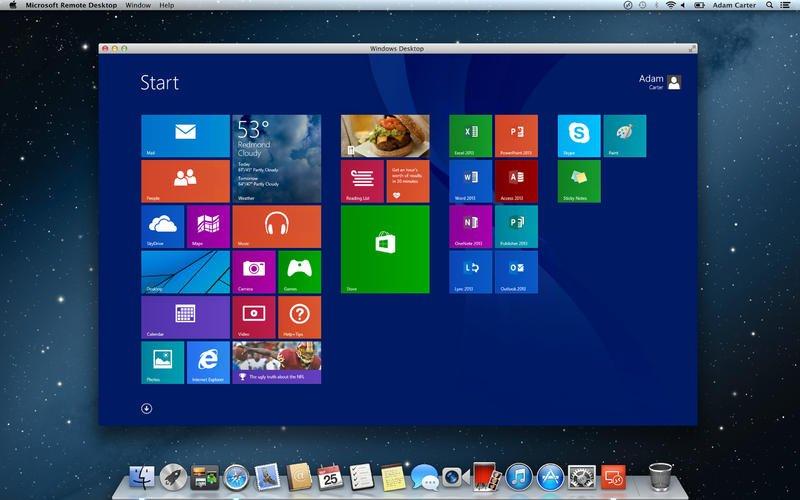 Bureau Distant Remote Desktop - Access your Windows session on Mac with one click!
 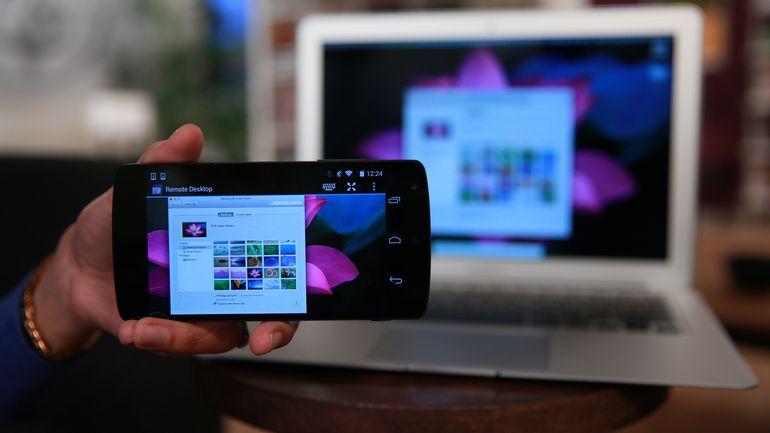 Bureau Distant Remote Desktop - Enjoy your virtual office on all media.
 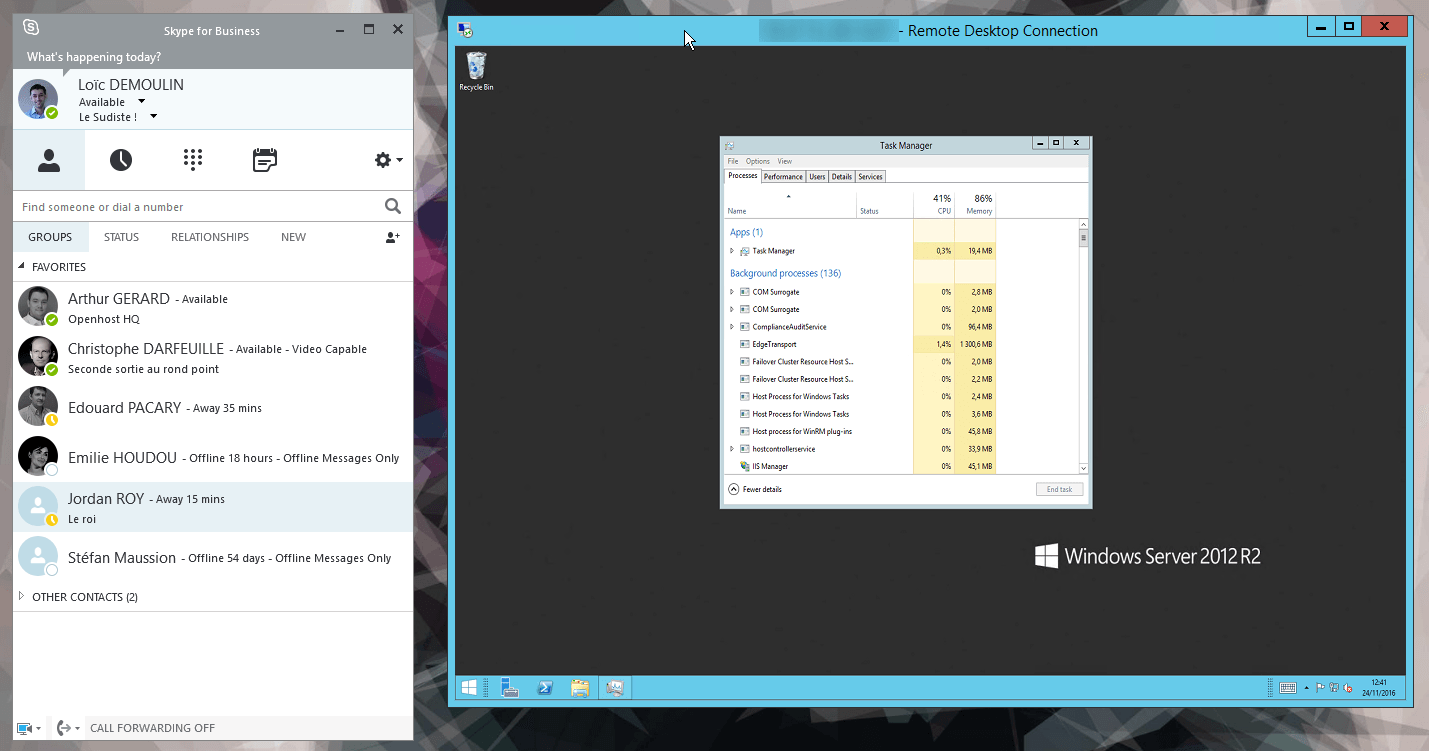 Bureau Distant Remote Desktop - Get all your business applications with a simple Internet connection.
 Bureau Distant Remote Desktop: its rates
Standard
Rate
On demand
Clients alternatives to Bureau Distant Remote Desktop
This virtual desktop solution offers seamless remote access, centralized management, application virtualization, and robust security features for enhanced productivity.
See more details See less details
Inuvika OVD Enterprise provides a comprehensive virtual desktop environment that enables users to access their applications and data securely from anywhere. With features such as centralized management, administrators can easily deploy updates and manage user permissions. Application virtualization allows for efficient use of resources by running apps in the cloud while ensuring data security through stringent protocols. This solution is ideal for organizations looking to improve flexibility and streamline workflows, all while maintaining strong security standards.
Read our analysis about Inuvika OVD EnterpriseBenefits of Inuvika OVD Enterprise
Works on any Hypervisor
Linux based platform that delivers Windows and Linux apps and desktops
Fewer Microsoft licenses

Virtual Desktop software that allows you to access your desktop from anywhere, anytime, with ease.
See more details See less details
Cloud Desktop offers secure and scalable virtual desktops that can be accessed from any device. With features like file storage and sharing, remote printing, and customizable desktops, it's perfect for remote work or businesses looking to streamline their IT infrastructure.
Read our analysis about Cloud Desktop
Access your desktop from anywhere. Work remotely, save on hardware costs, and collaborate with ease.
See more details See less details
Horizon's virtual desktop software allows for secure remote access to your desktop, reducing hardware costs while providing seamless collaboration. With Horizon, employees can work from anywhere with an internet connection, increasing productivity and efficiency.
Read our analysis about Horizon Appvizer Community Reviews (0) The reviews left on Appvizer are verified by our team to ensure the authenticity of their submitters.
Write a review No reviews, be the first to submit yours.