
Inuvika OVD Enterprise : Cost-effective desktop virtualization (VDI)

Inuvika OVD Enterprise: in summary
Inuvika OVD Enterprise is a virtual desktop infrastructure (VDI) and application virtualization platform built on Linux, designed to deliver both Windows and Linux desktops and apps to users on any device. It is tailored for mid-sized to large organizations, including enterprises, public sector institutions, and managed service providers (MSPs) seeking a more flexible and affordable alternative to traditional desktop virtualization vendors like Citrix and VMware Horizon (Omnissa).
Supporting both on-premise and cloud deployments, OVD Enterprise enables organizations to reduce infrastructure complexity and operating costs. Unlike most legacy VDI solutions, it does not require Microsoft SQL Server or third-party gateways, and supports any hypervisor, directory service, or storage. With full multi-tenancy, a unified management console, and concurrent user licensing, it is especially suited for organizations managing distributed teams or multiple customers under a single infrastructure.
Key differentiators include:
Up to 60% lower total cost of ownership compared to Citrix or Horizon.
Broad device support, including thin clients and Raspberry Pi.
Faster deployment and easier administration.
What are the key features of Inuvika OVD Enterprise?
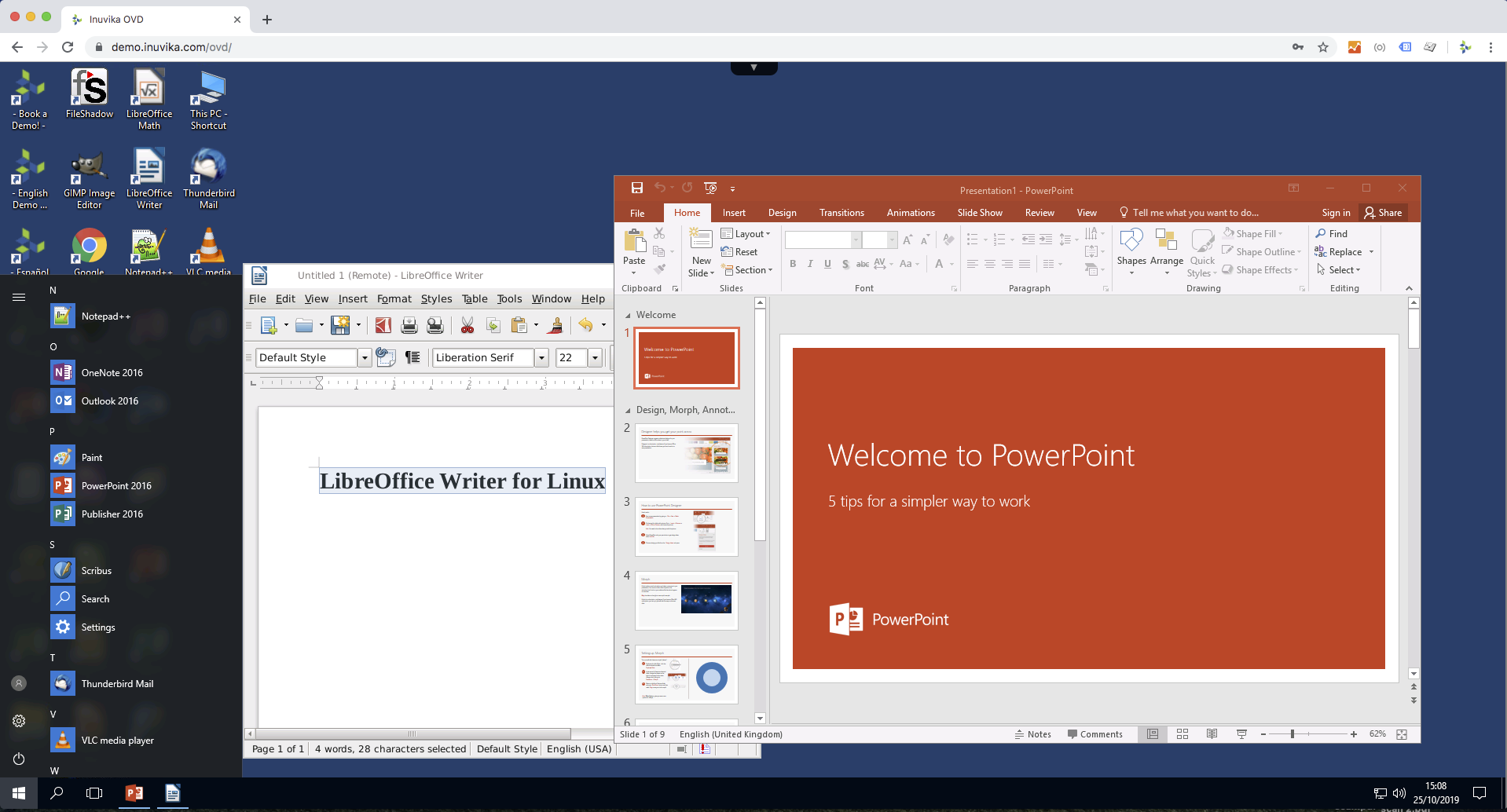
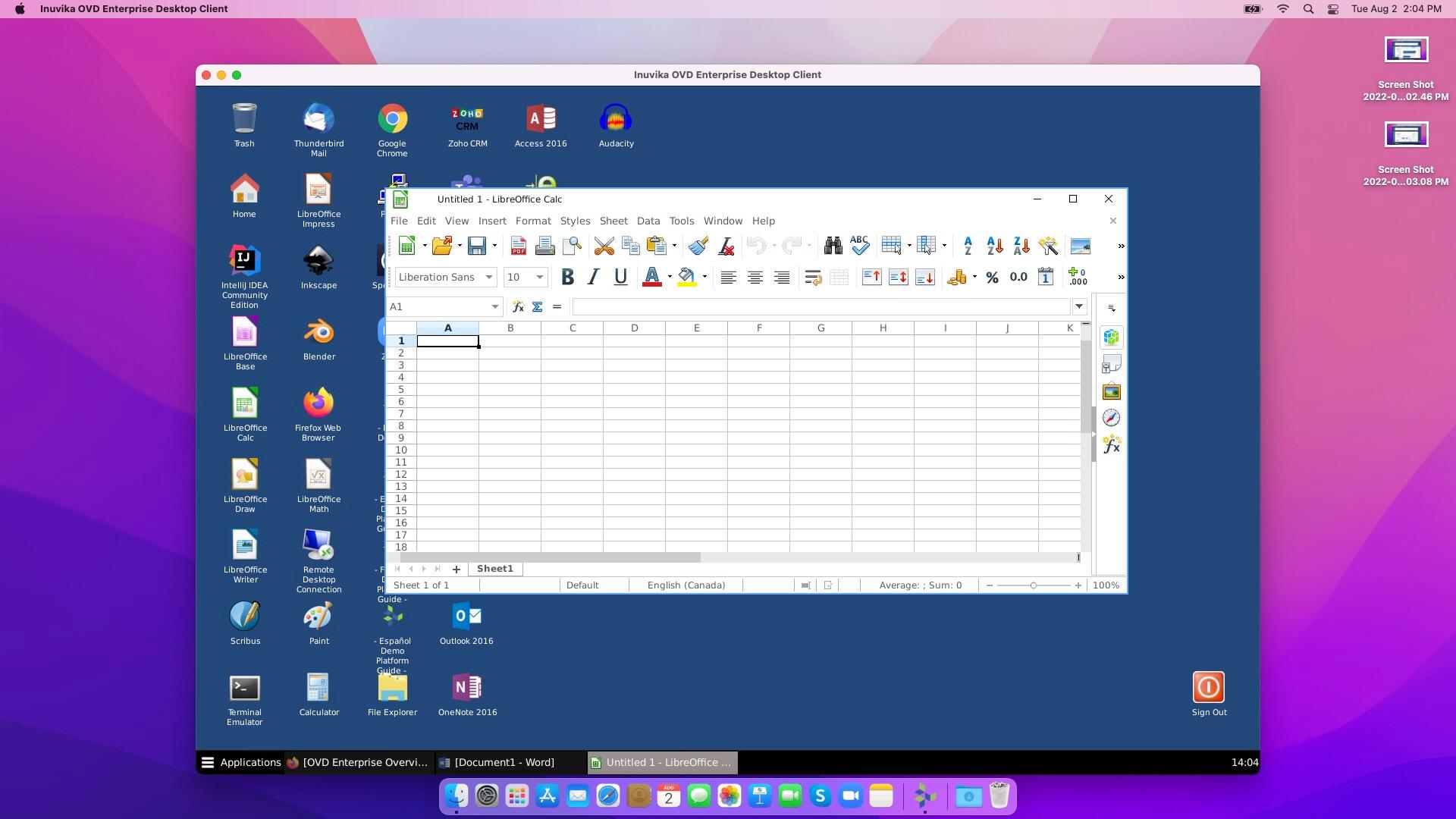
Deliver Windows and Linux desktops and applications
Inuvika OVD Enterprise provides unified access to both Windows and Linux applications and desktops from a single platform.
Applications can be accessed through a web portal, dedicated virtual desktop (VDI), or as seamlessly integrated apps on the local desktop.
Native support for apps like Microsoft Teams and Zoom, with optimized multimedia performance.
Ideal for hybrid environments where teams rely on a mix of Windows and open-source software.
Access from any device or platform
OVD Enterprise is designed for maximum device flexibility.
Supports access from Windows, macOS, Linux, iOS, Android, Chromebooks, Raspberry Pi, or any HTML5-compliant web browser.
Facilitates bring-your-own-device (BYOD) policies and remote work scenarios without additional setup complexity.
Concurrent user licensing model
Unlike many competitors, OVD licenses based on concurrent users, not named users or devices.
Organizations can optimize licensing costs by sharing access across shifts or teams.
Reduces over-licensing and is more aligned with real-world usage patterns.
Integrated secure gateway for remote access
OVD includes its own Enterprise Secure Gateway to manage external access securely.
Eliminates the need for separate solutions like Citrix NetScaler, lowering costs and simplifying setup.
Encrypted data transmission ensures secure connections without additional third-party components.
Full multi-tenancy and MSP support
Built with service providers in mind, OVD supports multi-tenant environments out of the box.
Allows MSPs to manage multiple client environments on the same infrastructure.
Ensures logical and administrative separation across tenants, making it suitable for regulated industries and enterprise IT departments with multiple business units.
Broad integration with enterprise infrastructure
OVD is designed to fit into existing IT ecosystems with minimal disruption.
Works with any directory service (Active Directory, LDAP), storage, or hypervisor (vSphere, Hyper-V, KVM, Nutanix AHV, ProxmoxVE, VergeOS).
Supports deployment across any public or private cloud platform (AWS, Azure, GCP), or fully on-premises.
Comprehensive USB device redirection
The platform offers premium USB redirection, enabling use of local USB devices, including storage, smartcards, printers, and scanners.
Integrated two-factor authentication (2FA)
Authentication features are embedded directly into the platform.
Includes built-in 2FA without the need for third-party add-ons.
Supports external identity providers via SAML2 (e.g., Okta, Entra ID) or Duo Security.
Fast deployment and simplified management
OVD Enterprise is known for short setup times and low administrative overhead.
Deployment can be completed in hours rather than weeks, even in large environments.
To summarize
Organizations choose Inuvika OVD Enterprise for its cost efficiency, infrastructure flexibility, and ease of deployment, especially when migrating from complex legacy VDI solutions.
Key benefits include:
Significant cost savings: TCO reduction of 60% vs Citrix or VMware Horizon.
Faster time to value: Deploy in hours and become an expert on admin in a day.
Flexibility and compatibility: Works across any hypervisor, cloud, and identity provider.
Broad access: Supports all devices
Service provider readiness: Built-in multi-tenancy and concurrent licensing make it ideal for MSPs and large enterprises.
By eliminating vendor lock-in and unnecessary complexity, Inuvika OVD Enterprise provides a modern, scalable alternative to Citrix and VMware Horizon for organizations seeking a leaner VDI solution.
Its benefits
Works on any Hypervisor
Linux based platform that delivers Windows and Linux apps and desktops
Fewer Microsoft licenses
Close to 60% TCO reduction vs Citrix or VMware/Omnissa
Install on premises or on any public or private cloud
GDPR, UGAP by SCC

Inuvika OVD Enterprise: its rates
standard
€104.40
/year /user
Clients alternatives to Inuvika OVD Enterprise

Virtual Desktop software that allows you to access your desktop from anywhere, anytime, with ease.
See more details See less details
Cloud Desktop offers secure and scalable virtual desktops that can be accessed from any device. With features like file storage and sharing, remote printing, and customizable desktops, it's perfect for remote work or businesses looking to streamline their IT infrastructure.
Read our analysis about Cloud Desktop
Access your desktop from anywhere. Work remotely, save on hardware costs, and collaborate with ease.
See more details See less details
Horizon's virtual desktop software allows for secure remote access to your desktop, reducing hardware costs while providing seamless collaboration. With Horizon, employees can work from anywhere with an internet connection, increasing productivity and efficiency.
Read our analysis about Horizon
Access your desktop from anywhere with our Virtual Desktop software. Work remotely with ease, save time, and increase productivity.
See more details See less details
Our Virtual Desktop software provides a secure and reliable connection to your desktop, allowing you to work from anywhere, at any time. With features such as file sharing, multi-monitor support, and remote printing, you can seamlessly transition from the office to remote work without any disruption to your workflow.
Read our analysis about Bureau Distant Remote Desktop Appvizer Community Reviews (0) The reviews left on Appvizer are verified by our team to ensure the authenticity of their submitters.
Write a review No reviews, be the first to submit yours.